Skip to main contentConnect your Github organization
-
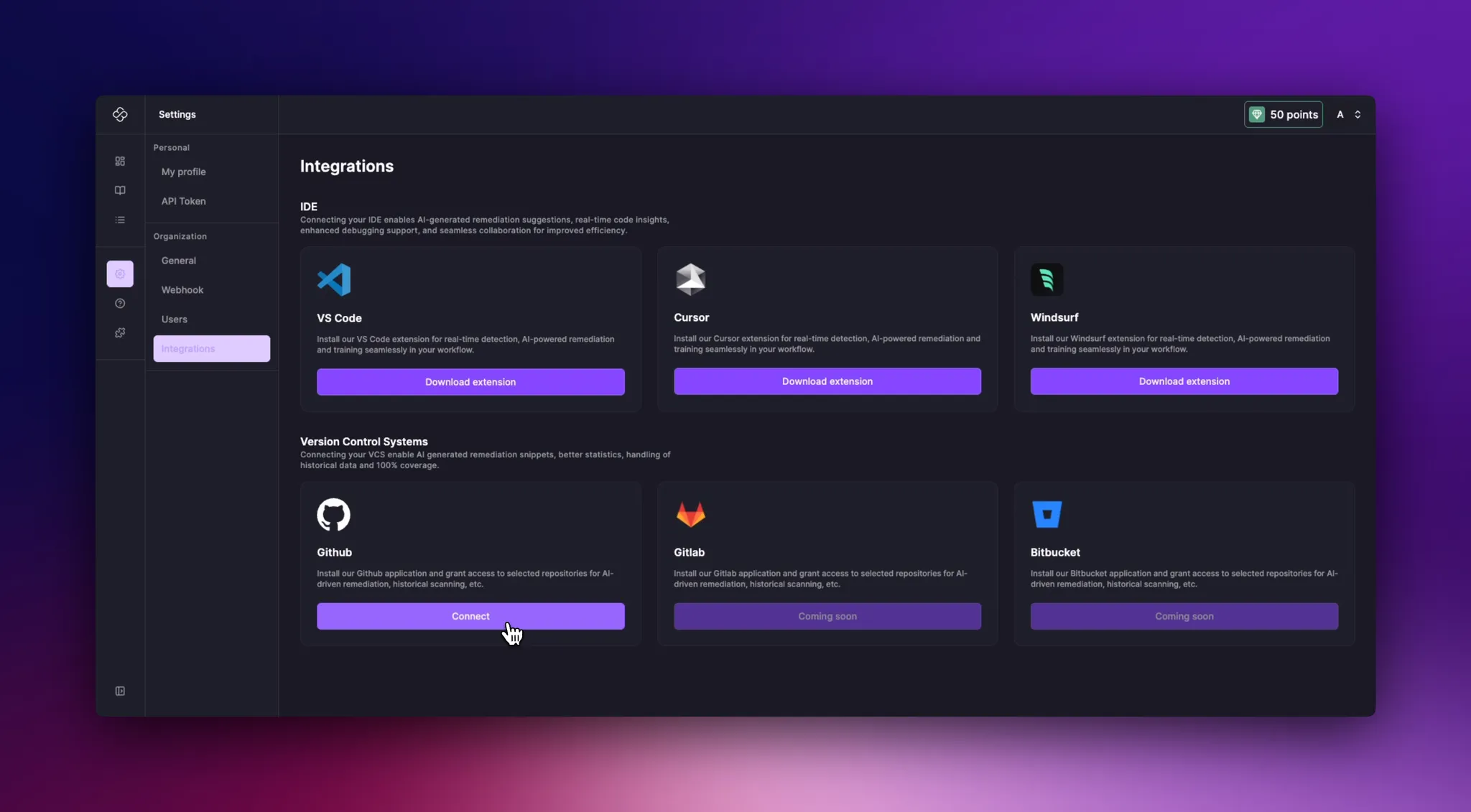
Go to the integration page
-
Click on Connect
-
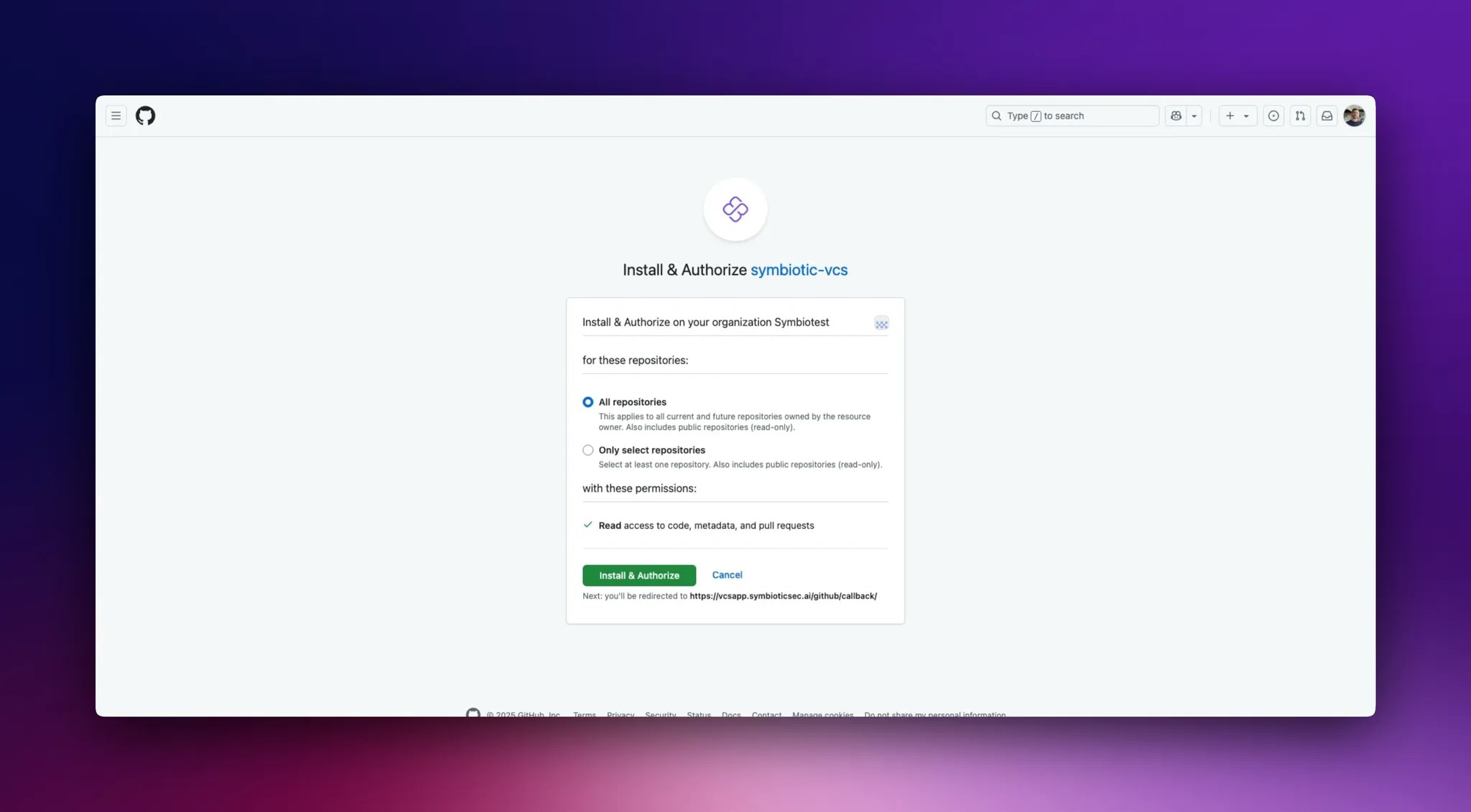
You will be redirected to Github
-
You have the possibility to give our Github app access to all the repositories of your organization or to select specific ones (this can be modified later).
-
After choosing click on
Install & Authorize
-
You will be redirected to our application and a scan of those repositories will be performed in the background.
Modify the Github app scope
-
Go to the integration page
-
Click on
Manage Github App
-
You will be redirected to Github
-
You can now modify the scope of the application to give access to more or less repositories.
-
After choosing click on
Install & Authorize
-
You will be redirected to our application and a scan of repositories added will be performed in the background.

