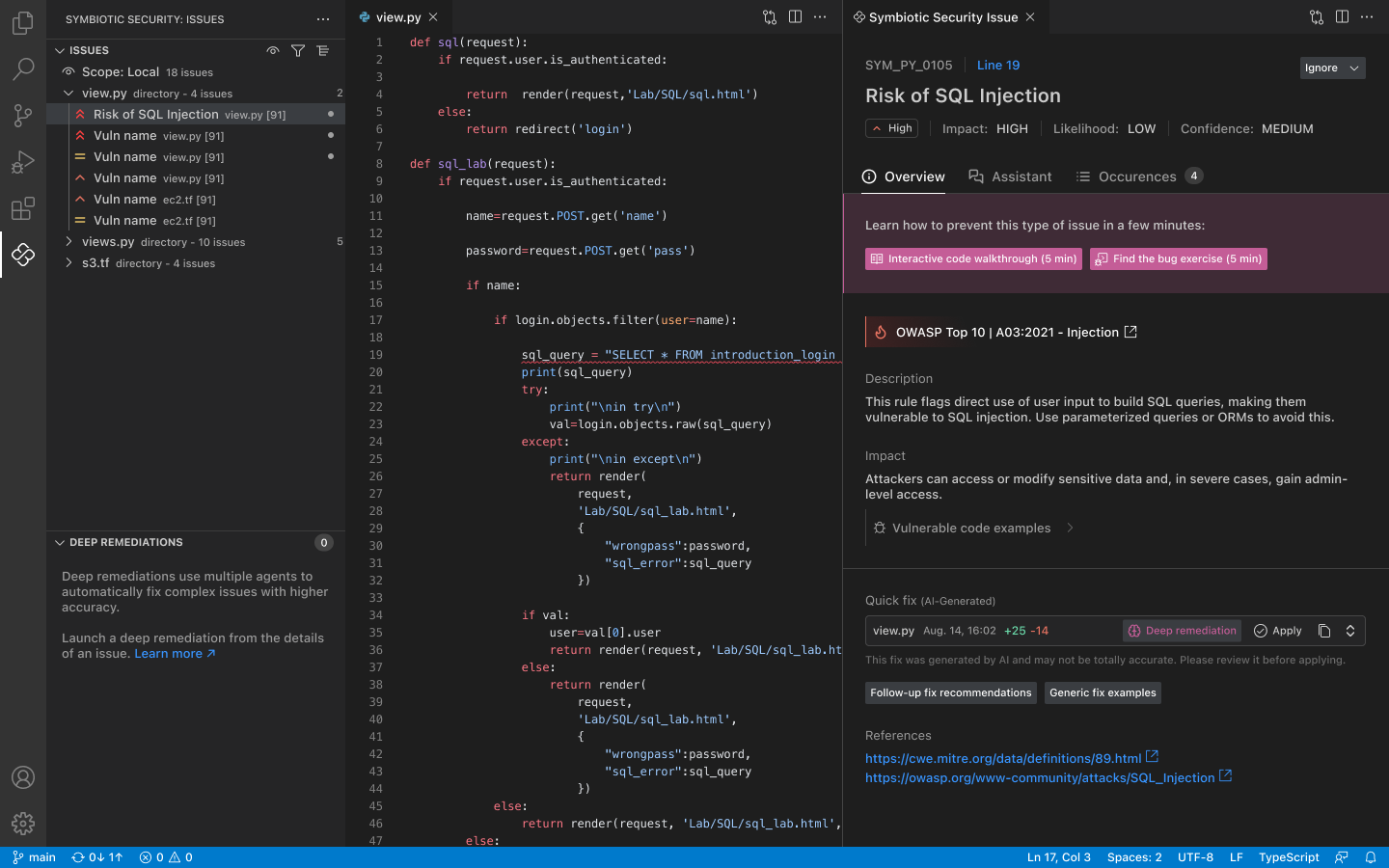
When on the details view of a vulnerability, you can launch a deep remediation after the classical remediation has been generated by clicking on the icon.
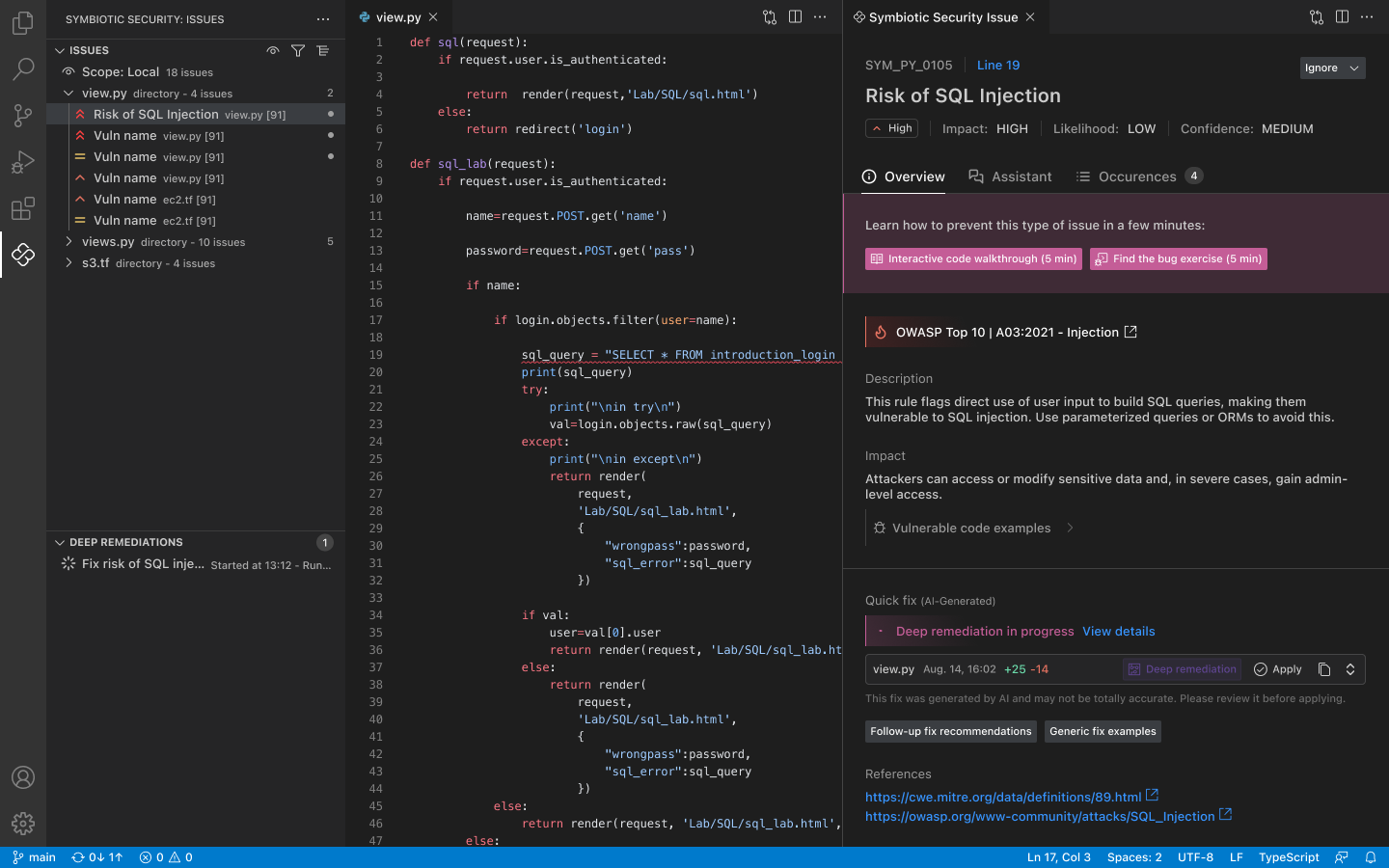
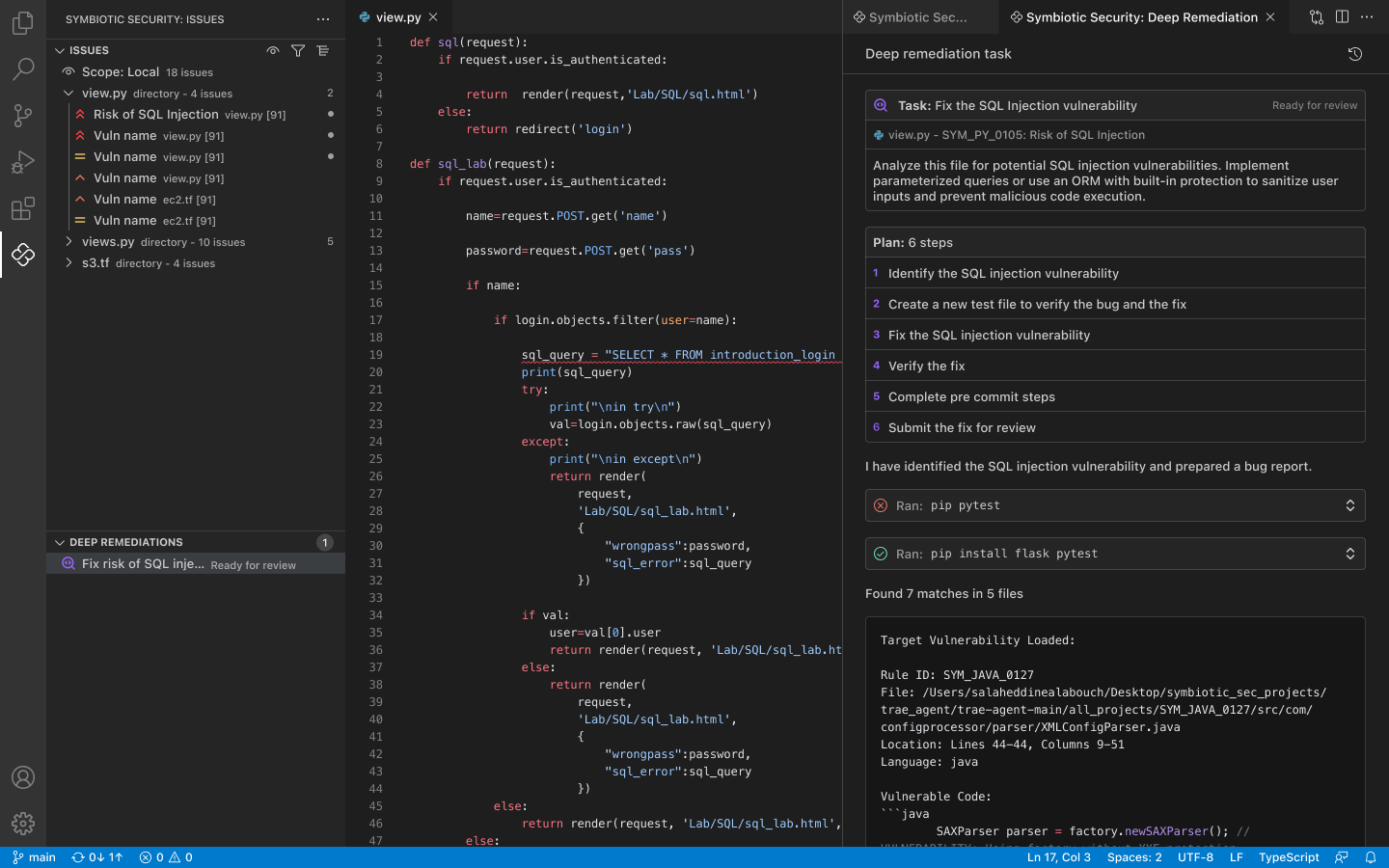
Once the deep remediation has been launched, you can track its progress in the details view of the vulnerability or in the dedicated view in the treeview.If you click on the view details or in the treeview, you will be redirected to a new webview allowing you to stream the agentic process of remediation.At the end of the deep remediation, you can accept or reject the generated remediation. Accepting the remediation will apply the changes to your codebase.